IT infrastructure management
DCIM Portal
Every rack, every cable, one record.
DCIM Portal follows a data-centre build from the delivery note to the cable in the port: approved deliveries become inventory, devices go into racks, cables draw the network map, and incidents and changes stay linked to the equipment they touch.
DCIM Portal screens
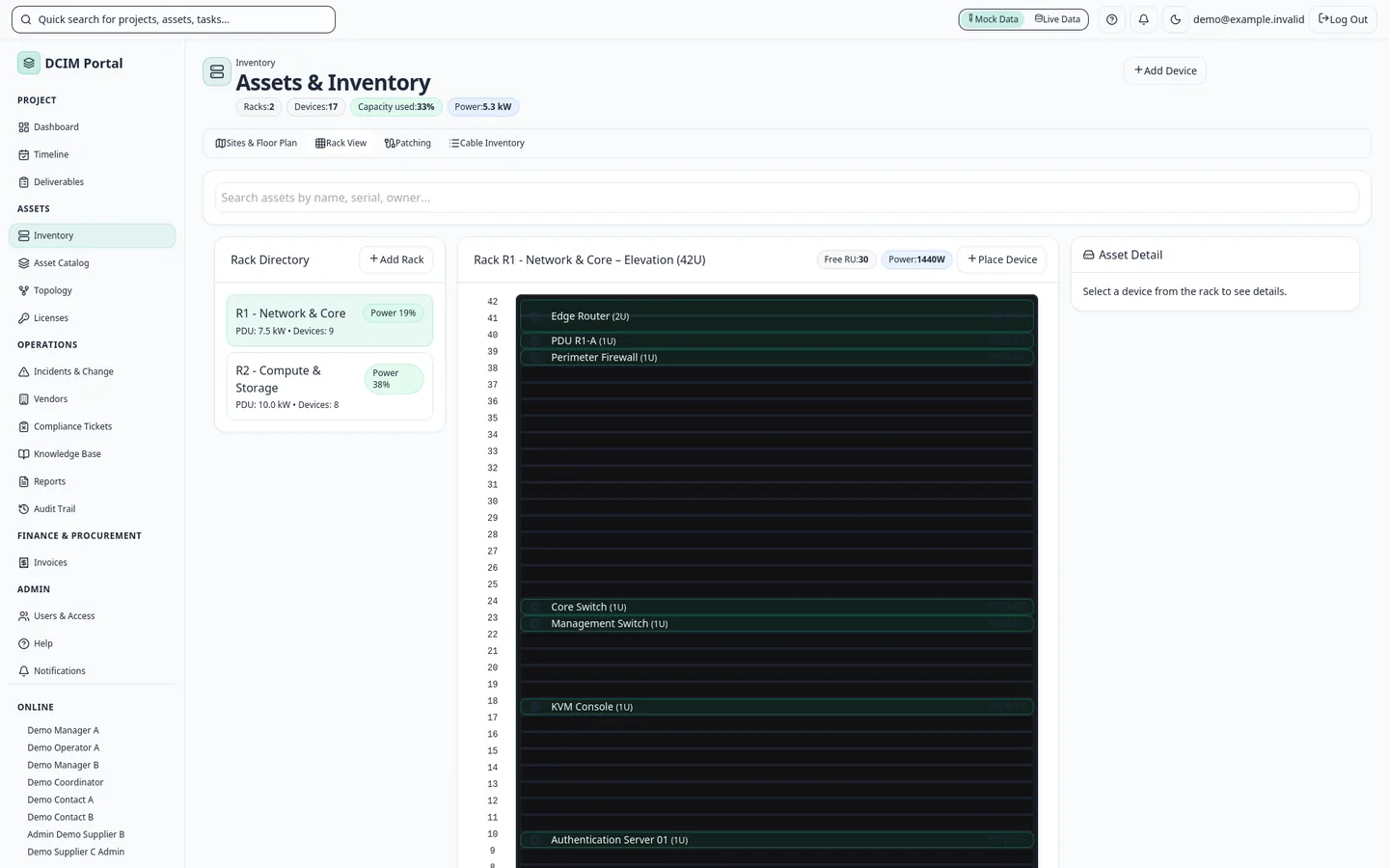
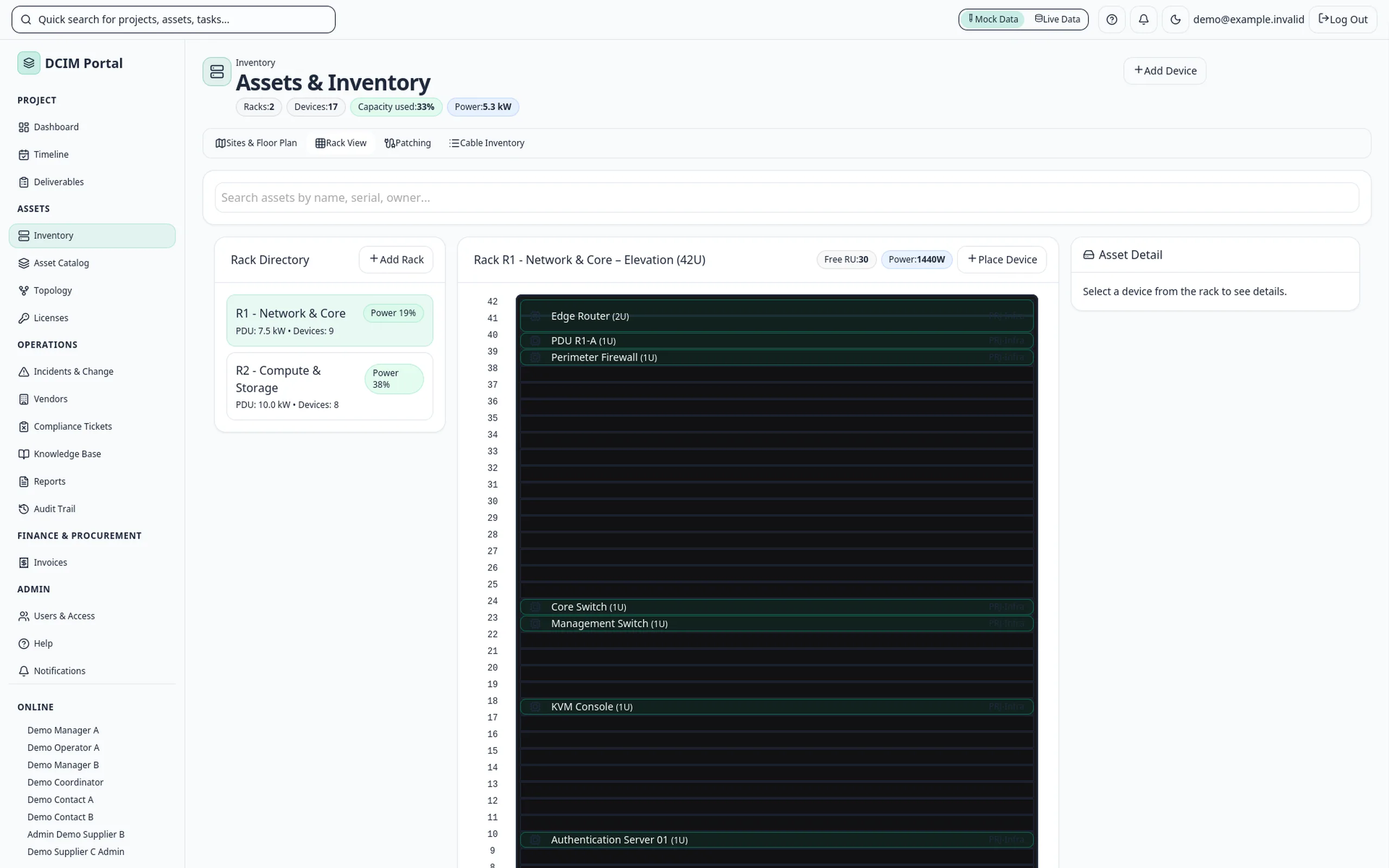
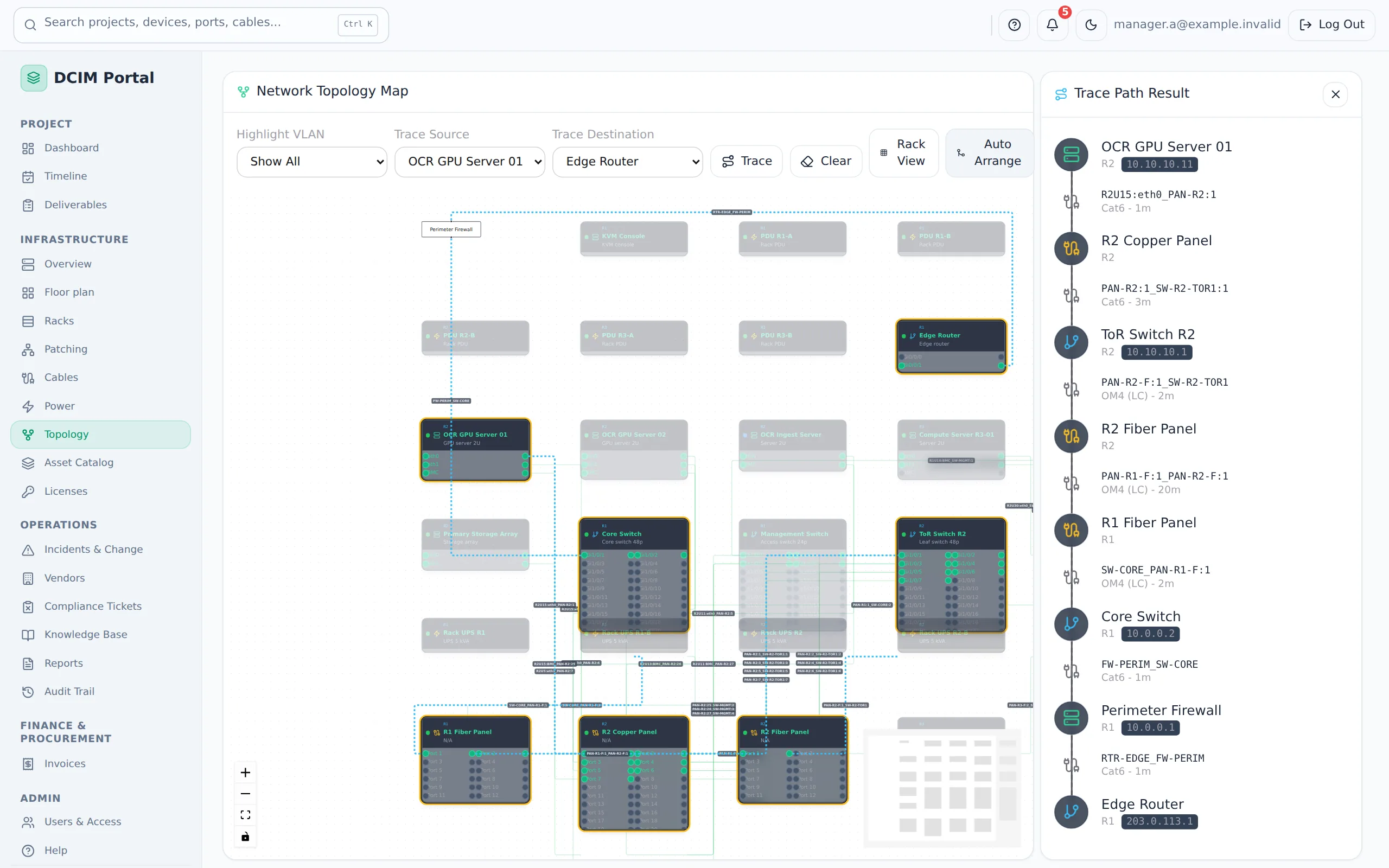
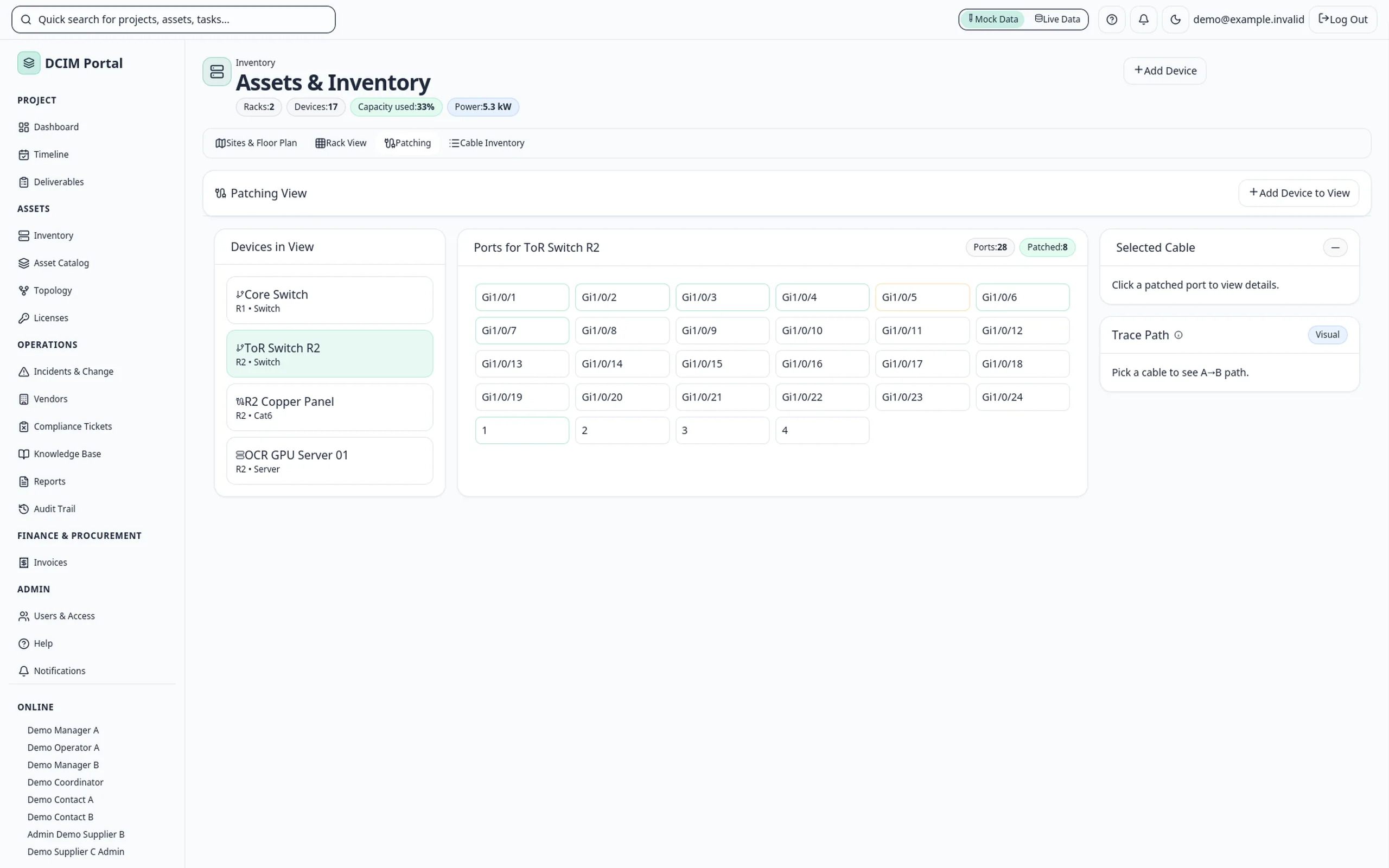
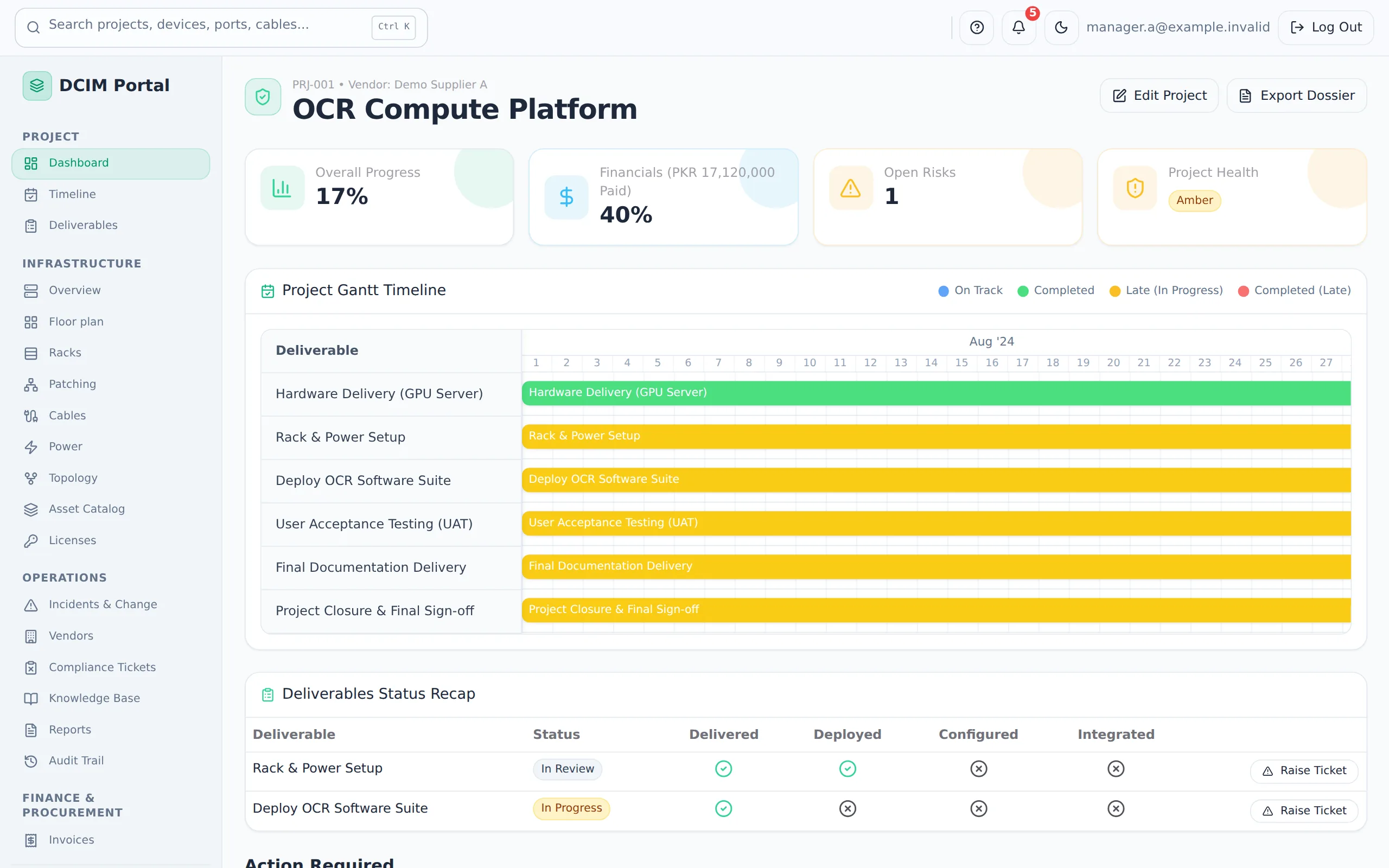
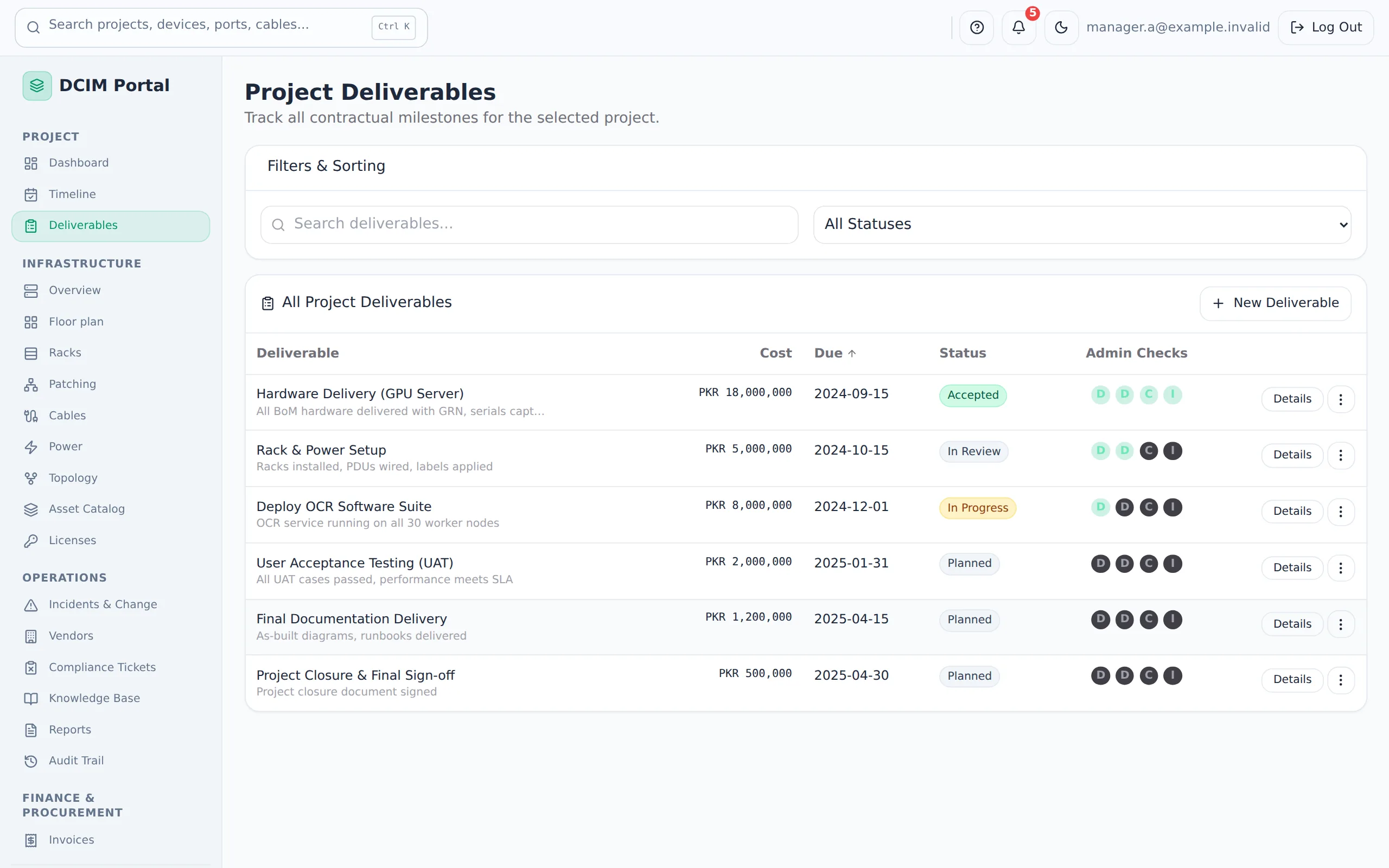
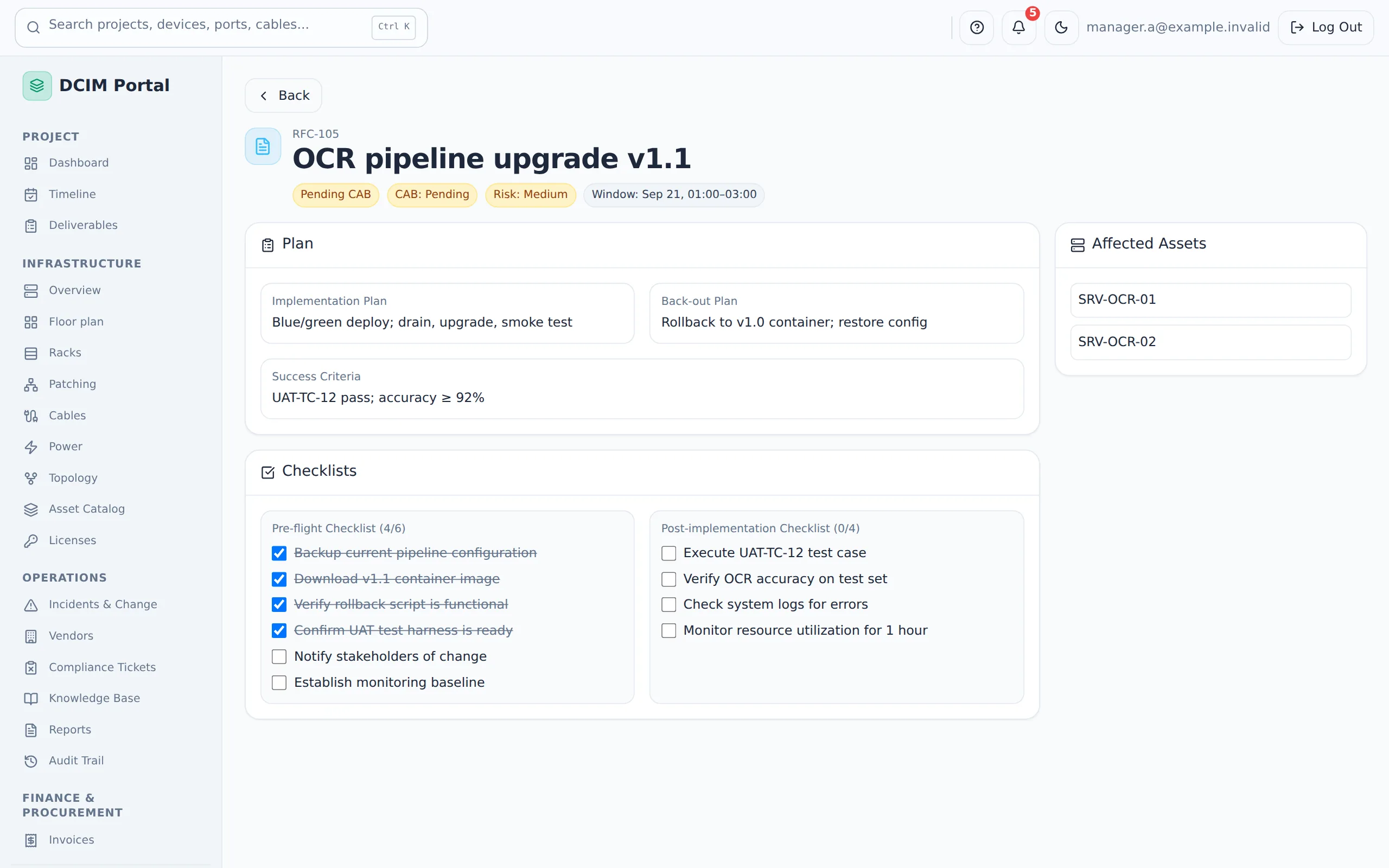
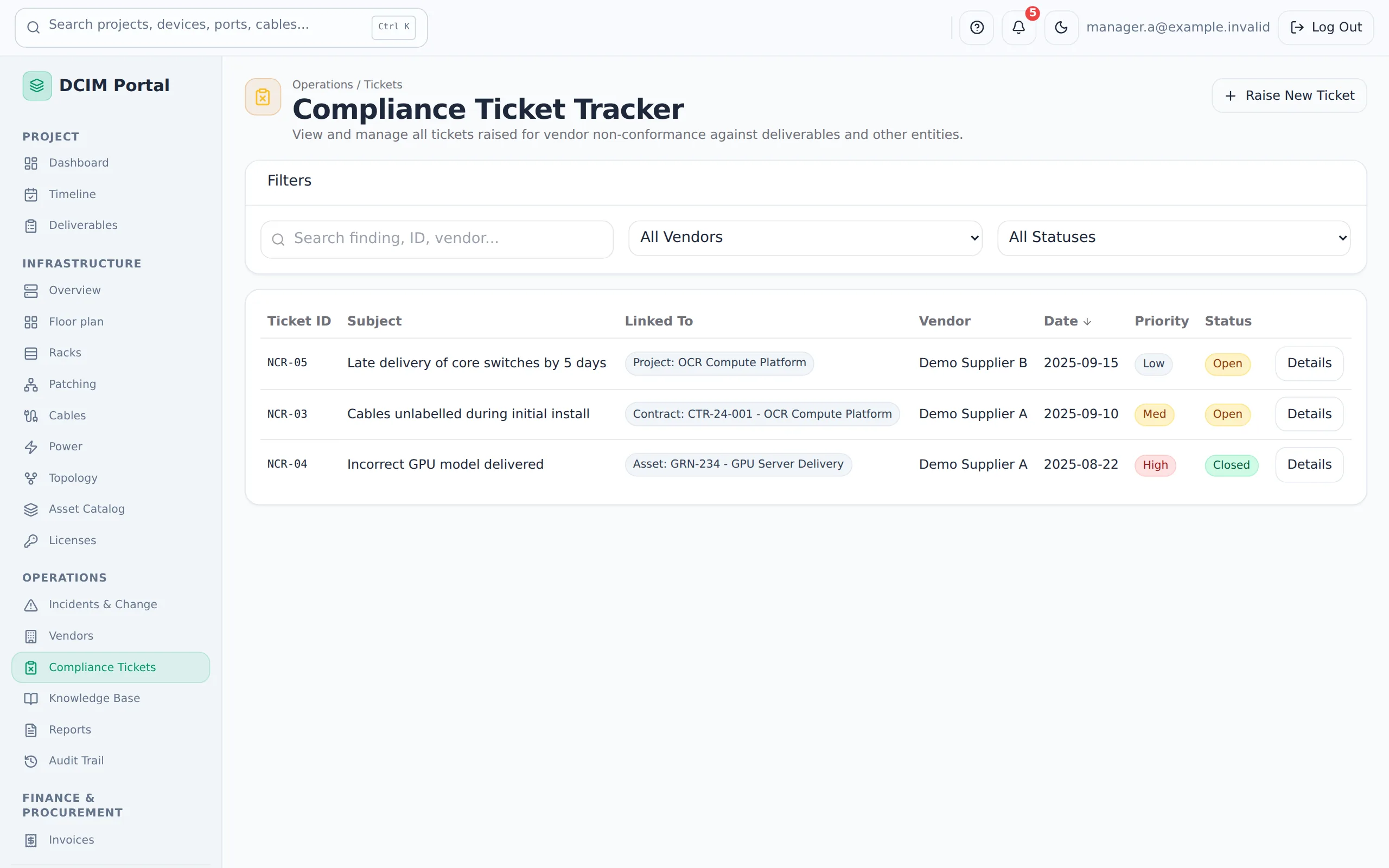
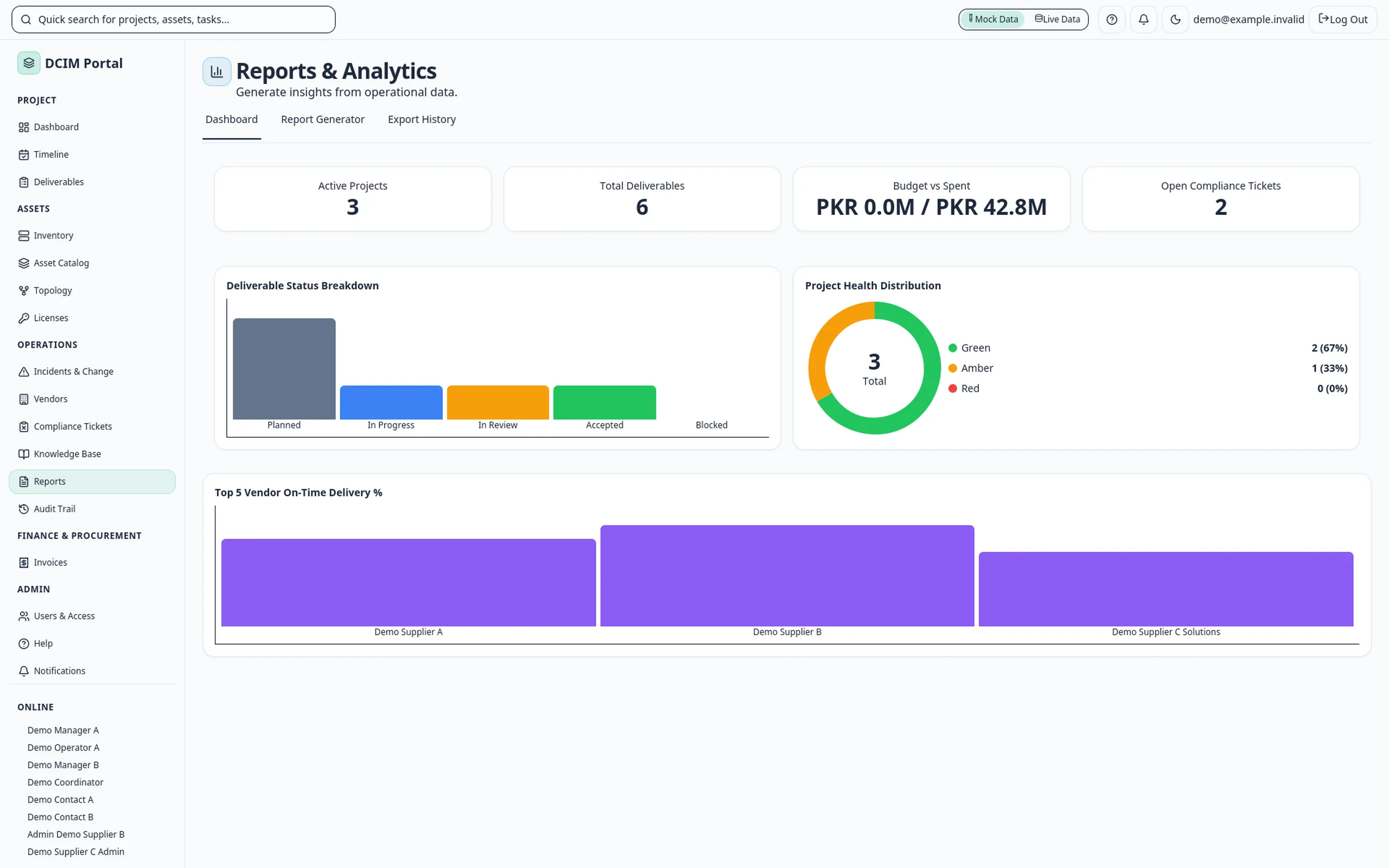
Screens from a local demo with sample data. Names, suppliers and device models are neutral placeholders.
- Built for
- Technology and IT Infrastructure
- Status
- demoDemo
- Runs on
- Web
- Built with
- React, TypeScript, React Flow, Supabase
Video
DCIM Portal in under two minutes
Explainer film with AI narration. The interface is rebuilt from the product with sample data and neutral names. Live equipment readings are not part of the product today.
Overview
Operational context
Data-centre teams often keep racks in one spreadsheet, cabling in another and supplier paperwork in e-mail. When a link fails or an audit asks who approved a device, the answer takes hours to rebuild. A shared record ties each device to its rack position, its cables, its supplier and its history.
What it covers
Capabilities
Deliverables approved against four checks, which then appear in inventory.
Sites, rooms, floor plans and 42U rack elevations with power load.
Port-by-port patching, a cable register and a network map with path tracing.
Incidents, change requests with checklists, supplier tickets and an audit trail.
10 features
Features
Four-check approval
a delivery is accepted only when it is delivered, deployed, configured and integrated.
Inventory from approvals
an approved server, switch or appliance appears in inventory, ready to place.
Rack elevations
42U racks with free units, power draw and a placement check that suggests the next free slot.
Floor plans
rooms with their racks, device counts and power at a glance.
Patching
record each cable at both ends, with its type and length.
Network map
drawn from the cable records, with VLAN highlighting and a hop-by-hop path trace.
Incidents and changes
severity, state, a change calendar and checklists before and after each change.
Supplier portal
suppliers submit deliverables for review and answer compliance tickets on their own work.
Reports and audit
dashboard charts, CSV export, print, and a log of every approval.
Roles
admin, technician, viewer, procurement and supplier access levels.
How it works
How the workflow connects
Approve a delivery, place the device in a rack, patch its ports, then follow incidents, changes and supplier tickets back to the same equipment.
Approve
a delivery passes four checks and becomes an inventory record.
Place
put the device into a rack position; the portal checks the space and the power.
Connect
patch its ports; the cable register and the network map update together.
Operate
log incidents, plan changes, work with suppliers and export reports.
Status
Implementation and status
demoDemo
Demo running on sample data, with no live equipment connected. Live power and environment readings, and links to your existing tools, are scoped as a separate project.
The discussion starts with the intended users, existing systems and delivery requirements. Confirm which functions can be demonstrated, what would need adaptation and how access, hosting and support would be arranged for the proposed use.
Built with
- React
- TypeScript
- React Flow
- Supabase
Runs on
Web
Questions buyers ask
What is DCIM Portal?
DCIM Portal is DCIM software that keeps racks, devices, cabling, network paths, incidents, changes and suppliers for a data-centre build in one shared record. Each device keeps its history.
Who is DCIM Portal for?
DCIM Portal is for data-centre operators, infrastructure project teams and IT departments running server rooms. It also serves the suppliers who deliver and support the equipment.
How does DCIM Portal track racks and cabling?
Approved deliveries become inventory, and devices go into 42U rack elevations. You patch each cable at both ends, and the network map is drawn from the cable records, with a hop-by-hop path trace.
Is DCIM Portal ready to use?
DCIM Portal is a demo running on sample data, with no live equipment connected. Live power and environment readings, and links to your existing tools, are scoped as a separate project. To take the next step, use “Request a DCIM Portal demo” on this page.
Build something like this
Running your racks and cabling from spreadsheets? We can put them in one record.
Request a DCIM Portal demo